Two-factor authentication explained: the one security step that matters most
Two-factor authentication adds a second proof of identity to your password. Here are the methods ranked, why SMS is weakest, and how to turn it on.
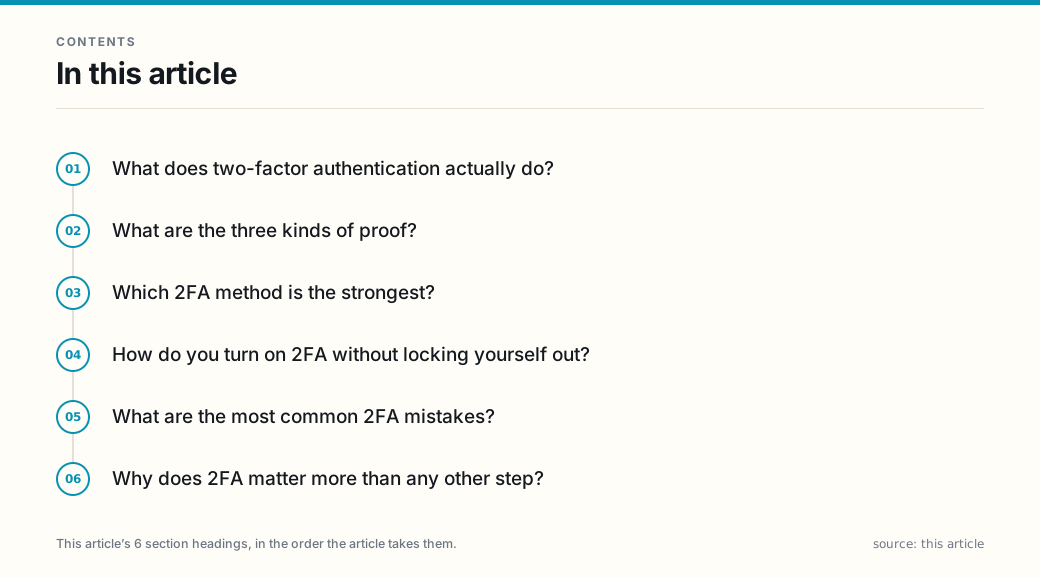
What does two-factor authentication actually do?
Two-factor authentication (2FA) is a sign-in method that pairs your password with a second, independent proof of identity — so a stolen password alone cannot get in. A password is one factor: something you know. 2FA is a form of multi-factor authentication (MFA) that uses exactly two proofs; MFA is the broader term for any sign-in combining two or more. Either way, it adds a second proof that you are who you claim to be — even if someone steals your password, they still cannot get in without the second factor.
The U.S. Federal Trade Commission treats MFA as one of the most effective steps a consumer can take, and the National Institute of Standards and Technology’s digital-identity guidance (NIST Special Publication 800-63B) sets the technical baseline that banks, agencies, and platforms build their sign-in flows around.
What are the three kinds of proof?
Authentication relies on factors from three buckets:
- Something you know — a password or PIN.
- Something you have — a phone, an authenticator app, or a hardware key.
- Something you are — a fingerprint or face scan (biometrics).
Strong 2FA pairs the password you know with something you have or are. Using two passwords is not two-factor, because both are the same type.
Which 2FA method is the strongest?
Not all second factors are equal:
- SMS text codes — weakest common option. A code sent by text can be intercepted, and phone-number takeover (SIM swapping) lets an attacker receive your codes. CISA and NIST both steer users toward app- or key-based methods instead.
- Authenticator apps — strong and free. Apps such as those that generate time-based codes do not depend on your phone number, so SIM swapping cannot defeat them. This is the best default for most people.
- Hardware security keys — strongest. A physical key you plug in or tap proves you hold the device. These resist the most sophisticated attacks, including phishing that steals codes, and are recommended for high-value accounts.
- Biometrics — convenient, but know the limit. A fingerprint or face scan is usually a second factor on your own device, not a standalone replacement. On a server, what is stored is a mathematical template, not the image itself.
How do you turn on 2FA without locking yourself out?
Start with the accounts that protect everything else:
- Email first. Whoever controls your email can reset most of your other passwords, so it is the highest-value target.
- Your password manager and financial logins next. These guard the rest.
- Choose the stronger factor. Pick an authenticator app or hardware key over SMS when the service allows it.
- Save the recovery codes. Most services show one-time backup codes. Store them in a password manager or print them and keep them safe — they are your only way back if you lose the device.
This pairs naturally with spotting the messages that try to steal your password in the first place; see How to spot a phishing message before you click.
What are the most common 2FA mistakes?
- Stopping at SMS. Any second factor beats none, but treat SMS as a floor, not a goal.
- Not saving recovery codes. You will be locked out the day you drop your phone.
- Putting the second factor on the same phone with no backup. If the phone is lost and the code is the only path, you are stuck. Keep one backup method.
Why does 2FA matter more than any other step?
Two-factor authentication is the single highest-impact step most people skip. Pair a password you know with a device you have — and prefer an authenticator app or hardware key over a text message.
This article is general information about account security, not individualized advice. Security features and terminology vary by service; consult each provider’s official help documentation for the options available on your accounts.
Frequently asked questions
- What is the difference between two-factor and multi-factor authentication?
- They are the same idea. Two-factor authentication (2FA) is a type of multi-factor authentication (MFA) that uses exactly two proofs — typically something you know (a password) and something you have (a phone or key). MFA is the broader term for any two or more factors. You will see the two terms used interchangeably.
- Is a text message (SMS) code good enough for 2FA?
- It is better than a password alone, but it is the weakest common option. SIM-swap fraud and message interception can defeat it, and the U.S. Cybersecurity and Infrastructure Security Agency treats app- and key-based methods as stronger. Use an authenticator app or a hardware key wherever the service offers it.
- What should I do with the backup or recovery codes a site gives me?
- Save them somewhere safe and offline, such as a password manager or a printed copy in a locked place. They are your way back in if you lose your phone. If a site shows them once and you skip saving them, you may be locked out later — generate and store them before you need them.
- How do I start using 2FA?
- Turn it on first for the accounts that matter most: email, your main password manager, and bank or financial logins. Open each account's security settings, choose an authenticator app or hardware key over SMS when available, and save the recovery codes. Email is the priority, because it can reset almost everything else.
Sources
Each source is a primary or official reference, checked before publication. Links open the original.
- National Institute of Standards and Technology — Special Publication 800-63B, 'Digital Identity Guidelines: Authentication and Lifecycle Management' (the technical baseline for authenticator and hardware-key factors, and for treating SMS out-of-band authenticators as weaker) — pages.nist.gov/800-63-3/sp800-63b.html
- Cybersecurity and Infrastructure Security Agency — 'More Than a Password' MFA guidance, which encourages app- and key-based multi-factor authentication over text-message codes — cisa.gov/MFA
- Federal Trade Commission — consumer advice on using multi-factor authentication to protect accounts (added to the ftc.gov consumer-advice library on account security; ftc.gov was unreachable in this environment, so it is cited by name without a link)